

Categories
Image Optimization Tools
Quick Answer
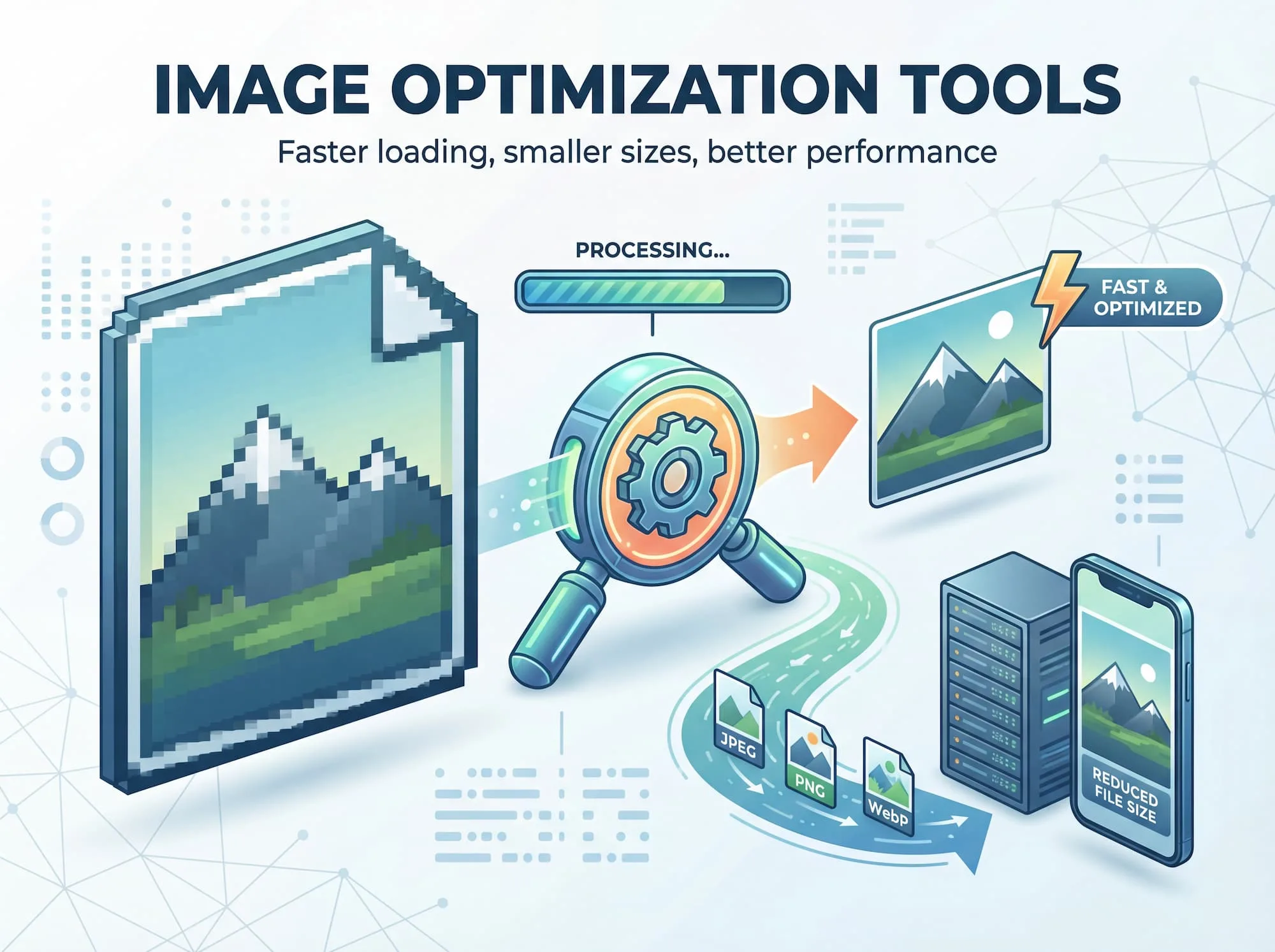
Image optimization reduces file sizes while preserving quality, directly improving website speed and search engine rankings. Faster-loading pages rank higher on Google, reduce visitor bounce rates, and increase conversions. Using free tools like Google Squoosh or WordPress plugins, you can optimize images in minutes—delivering one of the highest-ROI improvements for any website.
Why Image Optimization Matters for Your Website
Images dominate webpage downloads, often accounting for 50-80% of total page size. Unoptimized images are a primary cause of slow-loading websites, directly impacting user experience, SEO performance, and business results.
Critical Benefits of Image Optimization
Faster Load Times
Page speed directly affects visitor retention. Users expect pages to load in 2-3 seconds, and every additional second of delay can reduce conversions by up to 7%. Since images typically represent the largest files on any page, optimizing them is one of the fastest ways to improve overall performance across both desktop and mobile devices.
Mobile users are particularly sensitive to slow load times, often relying on 3G or 4G connections. Optimized images make the critical difference between a usable site and an abandoned one.
Improved Search Engine Rankings
Google explicitly considers page speed when ranking websites. Optimized images contribute to faster load times, which directly improves your search visibility and organic traffic potential.
Beyond speed, proper image optimization provides additional SEO advantages:
- Descriptive filenames help search engines understand image content
- Alt text improves accessibility and provides ranking signals
- Better indexing of visual content across search platforms
- Improved overall site crawl efficiency
- Better Visitor Engagement and Conversions
A fast, smooth website keeps people engaged. When images load quickly and pages scroll smoothly, visitors stay longer, click through more content, and are more likely to complete desired actions—whether making a purchase, signing up, or consuming more of your content.
The good news: optimized images look just as sharp and clear as unoptimized versions. You’re gaining speed without sacrificing visual quality.
Getting Started: Essential Tools and Strategies
Recommended Image Optimization Tools
Free Web-Based Tools:
- Squoosh – Free compression tool with support
- TinyPNG/TinyJPG – Batch compression while maintaining visual quality
- Piczilo – Free browser-based toolkit for image compression, resizing, cropping, and JPG/PNG/WebP conversion.
For WordPress Websites:
- Imagify – Automatic, site-wide image optimization with minimal setup required
Image Optimization Best Practices
Follow these steps to maximize your image performance:
- Select the correct file format – Use PNG for graphics and illustrations; JPEG for photographs
- Adopt modern image formats – WebP provides 25-35% better compression than traditional JPEG
- Implement lazy loading – Load images only when users scroll to them, reducing initial page load
- Deploy a content delivery network (CDN) – Serve images from servers geographically closest to your visitors
- Compress intelligently – Reduce file size while maintaining visual clarity and quality
- Optimize for mobile devices – Serve appropriately-sized images to various screen sizes
The Bottom Line
Image optimization delivers measurable improvements across three critical areas: performance, SEO, and user experience—with minimal time investment required. Whether you’re running a small blog or managing an enterprise website, optimizing your images is one of the highest-ROI changes you can make to improve your online presence and business results.
Ready to improve your website’s speed and search rankings? Contact us for a free consultation with our team.